Most advice on this topic tells you to run one command and stop. That advice is unsafe. A successful import only proves bytes entered a keyring, not that a key belongs to the person named in it, hasn't expired, or should sign production artifacts. Teams that treat GPG add key operations as trust decisions avoid a common and expensive failure: building releases, access workflows, or signed commits on unverified identity.
Table of Contents
- Why "gpg add key" Is a Trust Decision, Not a Command
- Importing Keys Across Linux, macOS, and Windows
- Verifying Fingerprints, User IDs, and Trust
- Adding Subkeys Without Compromising the Primary
- Publishing to Keyservers, WKD, and Git Hosting
- Wiring gpg add key Into Git for Signed Commits
- Automation, CI Pipelines, and Isolated Keyrings
Why "gpg add key" Is a Trust Decision, Not a Command
The enemy isn't GnuPG. It's unverified trust by default, the habit of copying a command from a tutorial and treating exit code zero as identity assurance. Separate three questions before you act. Did key material land in the intended keyring? Does it belong to the claimed person or service? Is it still valid, unrevoked, and scoped for the job?
A Seven Step Operating Model
Use the same sequence every time, whether you're onboarding an engineer or provisioning a release signer.
- Import: Add public or secret material to a known keyring.
- List: Confirm exactly what arrived.
- Verify: Compare the full fingerprint through an independent channel.
- Decide trust: Record why this key is accepted and for what scope.
- Add subkeys: Create narrowly scoped signing or encryption keys if needed.
- Publish: Distribute the public key through a controlled channel.
- Re-export: Refresh copies after every change so recipients don't use stale material.
Practical lesson: Treat every imported key as untrusted input until you've verified provenance. Storage is not authentication.
This discipline maps to other access controls. Just as a secure access guide for developers separates key generation from authorization, GPG workflows should separate import from trust. The same custody mindset appears in well-run digital asset custody practices, where provenance, fingerprint pinning, and audit trails determine who can act. If a key protects money movement, package releases, or recovery shares, document the fingerprint, owner, purpose, expiry, and verifier in your runbook. Don't leave that context in shell history.
Importing Keys Across Linux, macOS, and Windows
Install GnuPG through your platform package manager first. On Debian or Ubuntu use sudo apt install gnupg. On macOS use brew install gnupg. On Windows, use Gpg4win or a winget package, then run commands from PowerShell or Git Bash.
The Core Import Commands
The foundational operation is gpg --import, which adds or merges public or secret OpenPGP keys into the local keyring. The GNU Privacy Handbook import example uses gpg --import blake.gpg, reports a key identifier, states that 1 public key was processed, confirms 1 key was imported, and then verifies it with gpg --list-keys. You can also pipe material through standard input, which is useful in scripts, or fetch from a keyserver with gpg --receive-keys.
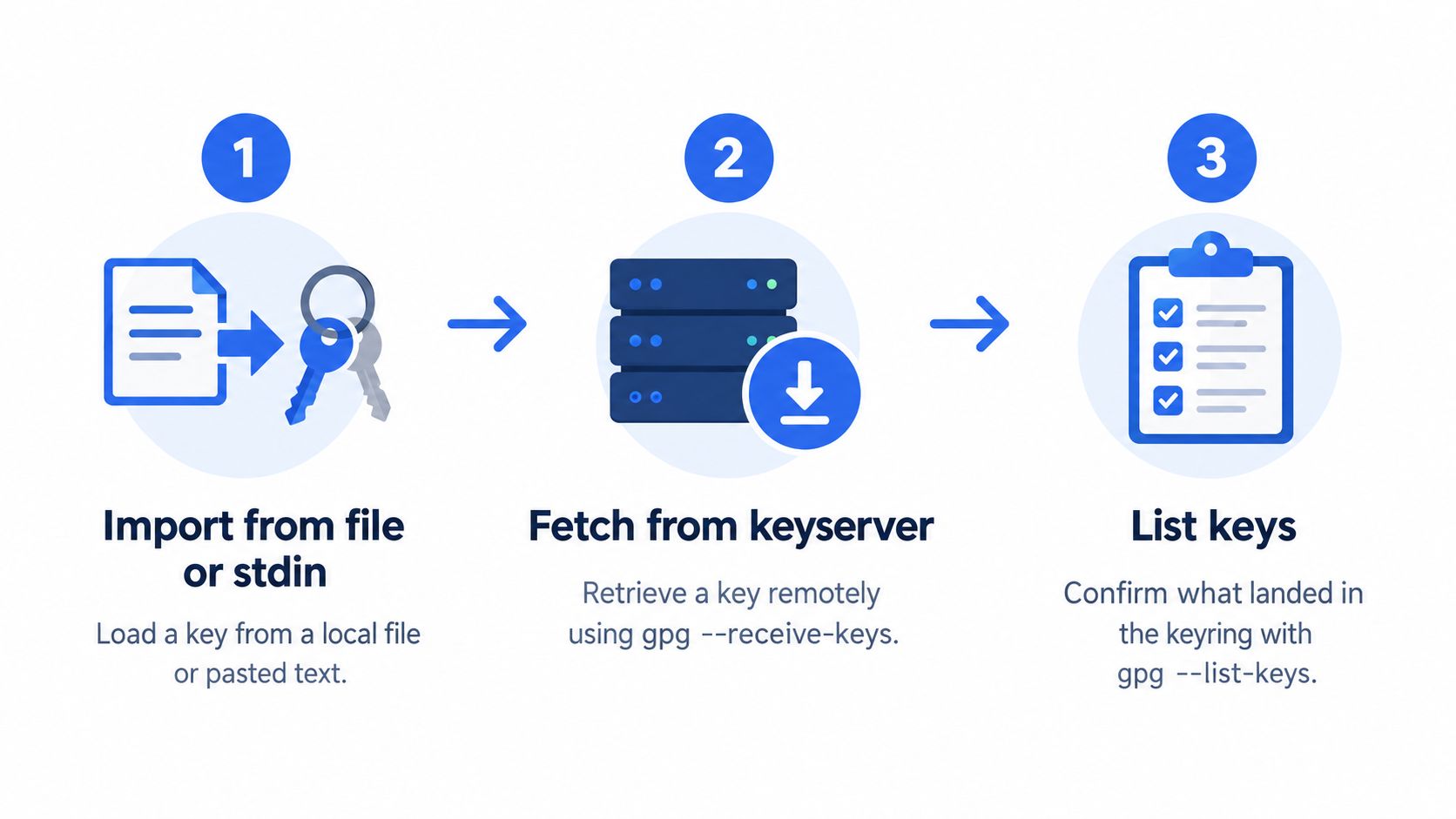
Imported keys live under GNUPGHOME, usually ~/.gnupg. Public material sits in pubring.kbx and private material sits under private-keys-v1.d. If two terminals point to different homes, they'll read different keyrings. That's why a key can appear missing even though your import succeeded.
Public Keys and Secret Keys Are Different Jobs
Import a teammate's public key when you only need to encrypt to them or verify their signatures. Import secret key material only on a machine that must sign or decrypt, and protect it with restrictive permissions, encrypted storage, and a dedicated home. Never place secret material in a shared home just to make a command pass.
- Confirm location: Run
echo $GNUPGHOMEandgpg --list-keysbefore and after import. - Import deliberately: Use
gpg --import key.ascfor files or a reviewed pipeline for stdin. - Check secret presence: Run
gpg --list-secret-keysonly where secret material is expected. - Test safely: Point GNUPGHOME to a temporary directory for rehearsals and restores.
Verifying Fingerprints, User IDs, and Trust
An import can succeed for a fraudulent, expired, or irrelevant key. Verification is where you decide whether that material deserves reliance. Start with gpg --fingerprint for human review and gpg --list-keys --with-colons for records your team can audit.
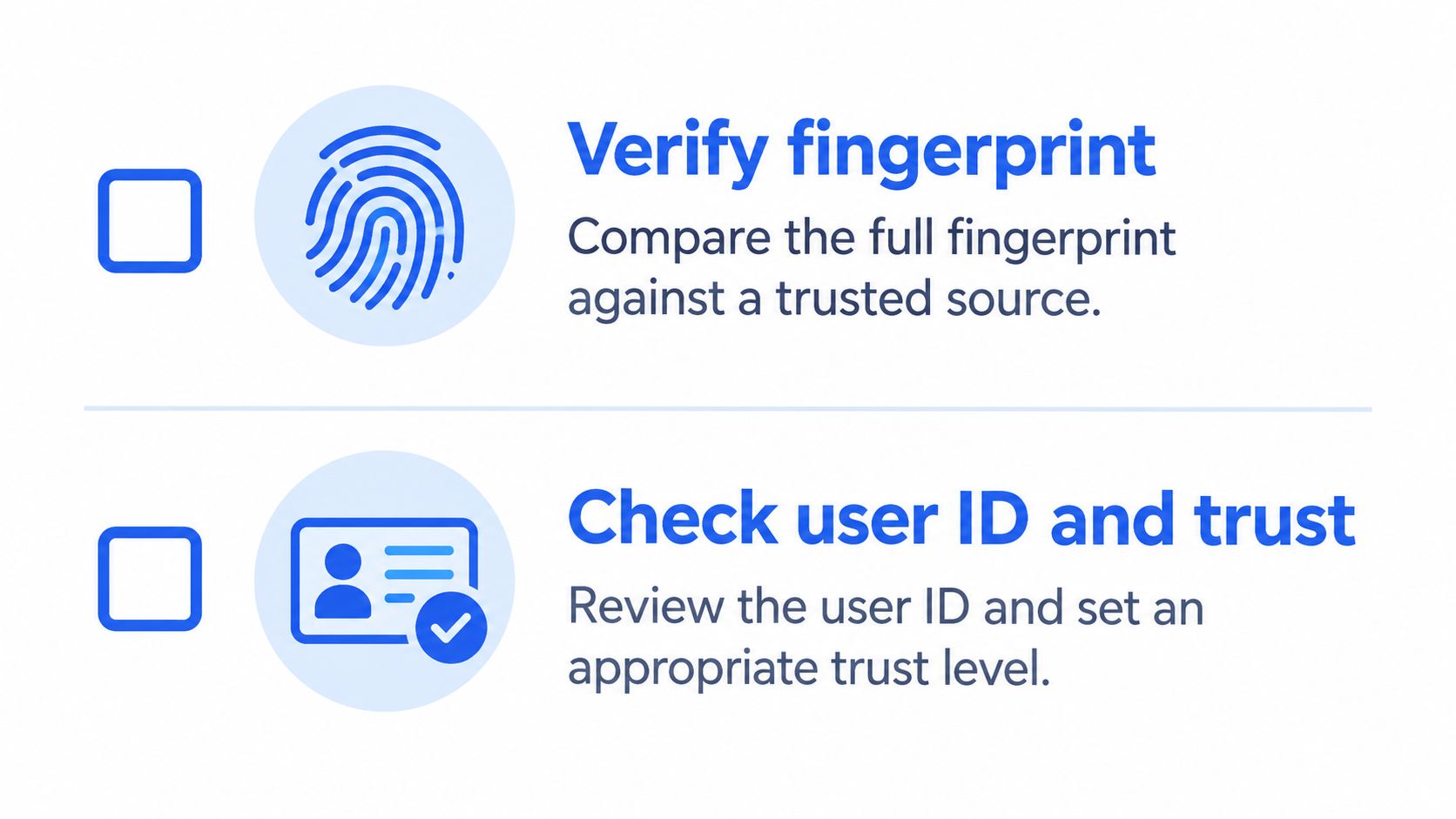
Importing only places the certificate in your local keyring. GnuPG's guidance on fingerprint checking recommends comparing the full fingerprint with the key owner through an independent channel and checking that the identity and email address match before treating the key as valid. Successful import output isn't a security confirmation, and a keyserver download alone doesn't establish ownership.
Choose a Verification Channel You Can Defend
Use a channel that an attacker would also need to compromise. Signed email from an already known address, a fingerprint published on a controlled website, a verified second platform, or an in-person check are stronger than a message in the same thread that delivered the key. Record which channel you used. For app distribution, the logic mirrors securing app updates with signature verification, where accepting an update requires more than receiving a signed file.
Don't confuse validity with owner trust. Validity asks whether a key is bound to its claimed identity. Owner trust asks whether that person is competent to certify other people's keys. Use gpg --edit-key and its trust command only for the second decision. Signing a key is a stronger public statement that you've checked the identity binding, so don't do it casually. These distinctions also sit behind a sound public and private key pair model, where publication never replaces verification.
Adding Subkeys Without Compromising the Primary
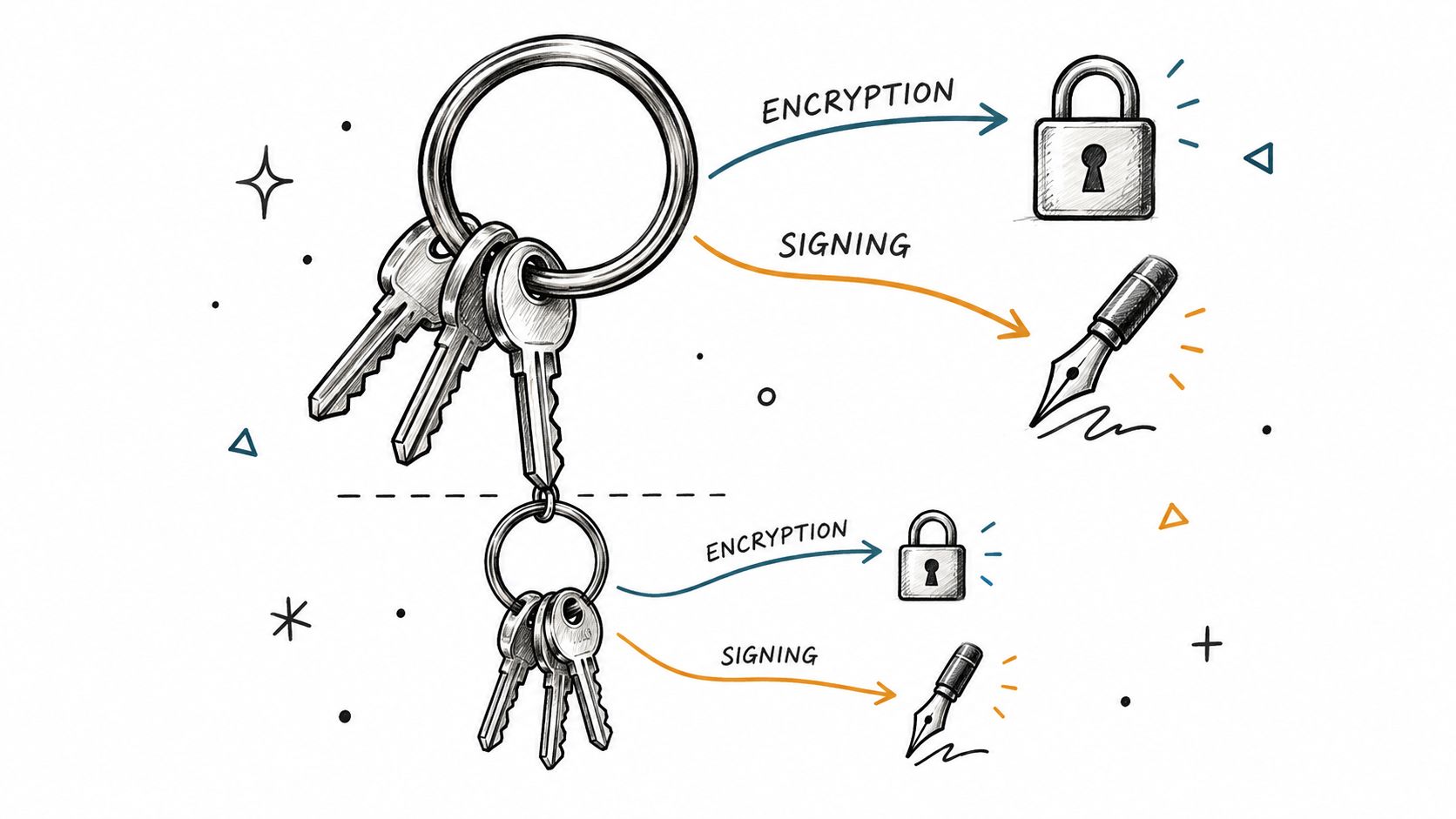
Keep the primary key for certification and use subkeys for daily signing and encryption. That separation lets you rotate a compromised or expired subkey without replacing the whole identity. It's more moving parts, but the blast radius is smaller.
Use the Full Fingerprint
Inspect the identity first with gpg --list-keys --with-subkey-fingerprint. Then add one scoped key, for example gpg --quick-add-key FINGERPRINT rsa4096 encr 1y or gpg --quick-add-key FINGERPRINT ed25519 sign 1y. GnuPG's OpenPGP key management documentation uses the primary key fingerprint, not a short key ID, then confirms the result with gpg --list-keys --with-colons before export and secret backup.
Short IDs and email addresses are convenient selectors, but they can choose the wrong identity or no identity. Copy the full fingerprint from local listing output, compare it with your verified record, and only then modify the key. If algorithm, usage, and expiry are omitted, GnuPG creates a default encryption subkey, which may not match your policy.
- One capability per subkey: Use
signfor signing andencrfor encryption, rather than combining roles. - Explicit expiry: Use a relative value such as
1yor an approved absolute date and calendar the rotation. - Publish the change: Recipients can't use a new encryption subkey until they receive your refreshed public key.
- Back up after change: Export updated secret material to protected offline storage immediately.
The interactive --edit-key and addkey route still works, but it's easier to lose track of selections at the prompt. For repeatable work, the quick interface is clearer and easier to review.
Publishing to Keyservers, WKD, and Git Hosting
Distribution makes a key discoverable. It doesn't make the key yours. Choose a channel based on who must find the key, who controls the trust anchor, and how quickly revocations or replacements must propagate.
| Channel | Distribution command | Trust anchor | Revocation latency |
|---|---|---|---|
| Public keyserver | gpg --keyserver keys.openpgp.org --send-keys FINGERPRINT |
Independent fingerprint check | Can be slow because old copies may persist |
| Web Key Directory | gpg --export into the domain controlled WKD location |
Control of the domain | Faster if you replace the published material promptly |
| Git hosting profile | gpg --armor --export FINGERPRINT then paste into account settings |
Control of the hosting account | Depends on account update and platform display |
Public keyservers offer wide availability and simple retrieval with gpg --receive-keys. They don't verify your legal identity, and stale or revoked material can remain discoverable. Recipients still need an out-of-band fingerprint.
Web Key Directory, or WKD, ties discovery to a domain you already operate. That's a stronger organizational signal for company email keys, but it requires maintaining the published bundle and refreshing it after subkey changes. Git hosting is narrower and practical for commit verification. GitHub, GitLab, and similar services can associate the public key with an account, but account takeover would weaken that signal.
For institutional keys, prefer a controlled domain or an internal artifact repository, then pin the fingerprint in policy. Use public servers as convenience distribution, not as your root of trust.
Wiring gpg add key Into Git for Signed Commits
Git lets anyone set a familiar name and email locally. Signing gives reviewers cryptographic evidence tied to a key they can verify through the hosting platform. It doesn't prove the code is good, and it doesn't replace review.
Configure Git Explicitly
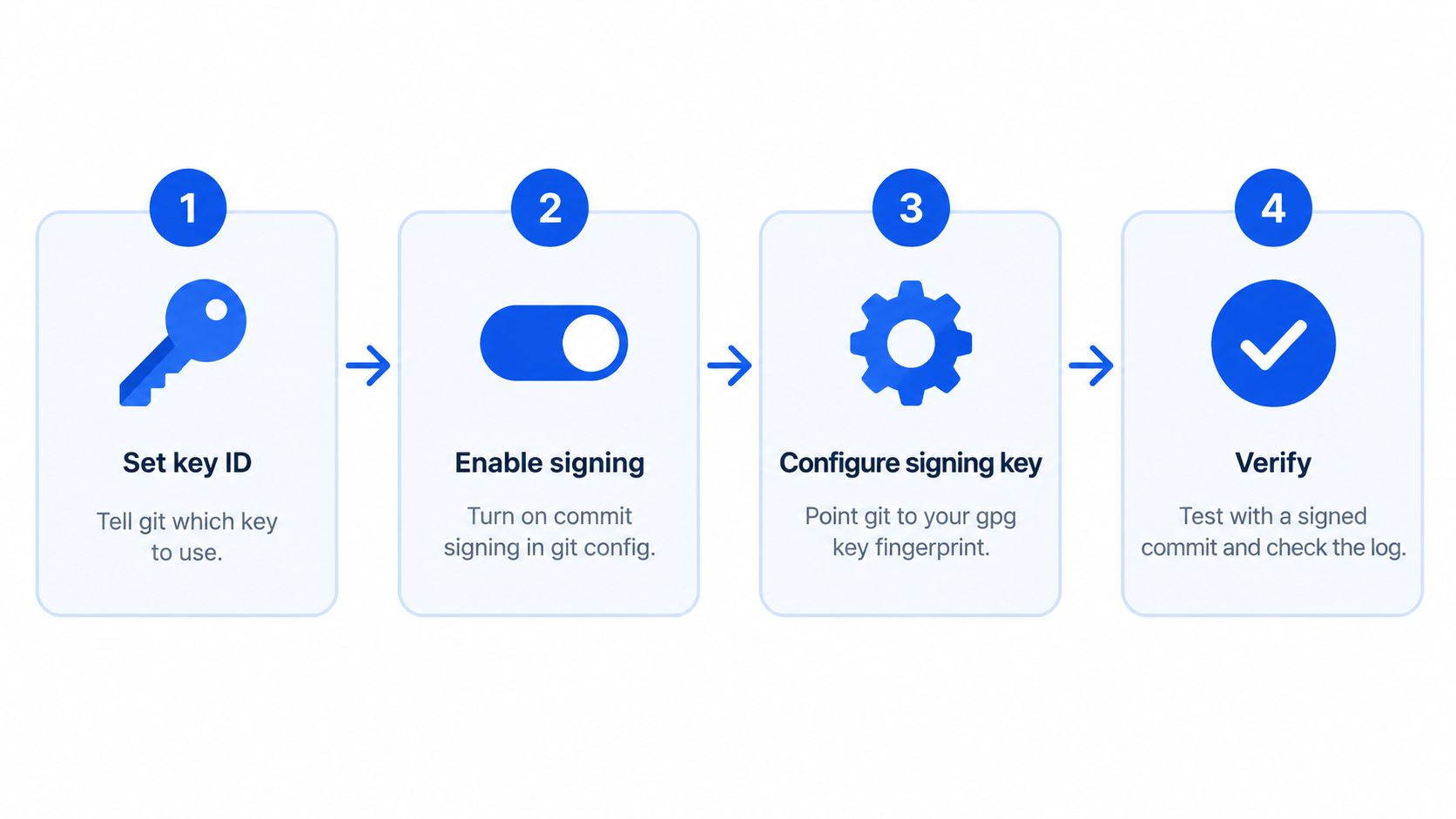
Set the signing key to the intended fingerprint or key identifier from your verified listing. Then set commit.gpgsign to true, set gpg.format to openpgp, and set gpg.program if Git can't find the right GnuPG binary. Typical commands are git config --global user.signingkey FINGERPRINT and git config --global commit.gpgsign true.
- Match identities: Your Git email should match a user ID on the key.
- Upload the public key: Add the armored export to GitHub, GitLab, or Bitbucket before expecting a verified badge.
- Test locally: Make a signed commit and inspect it with
git log --show-signature. - Sign releases separately: Use
git tag -sfor signed tags, because commit signing and tag signing answer different release questions.
Most failures are mundane. GPG_TTY isn't set, the agent can't prompt, the signing subkey expired, or Git points at a different keyring. Check gpg --list-secret-keys, expiry dates, and the terminal environment before regenerating anything. Hardware backed subkeys can reduce exposure, but they introduce PIN, touch, and device availability considerations for daily development.
Automation, CI Pipelines, and Isolated Keyrings
Automation turns a key mistake into a repeatable supply chain mistake. A pipeline shouldn't ask whether import exited successfully. It should ask whether the exact expected fingerprint, capability, user ID, and expiry landed in the exact keyring the job uses.
Make Provisioning a Controlled Transaction
For unattended work, prefer the quick interface over interactive prompts. GnuPG's unattended key generation guidance describes creating or importing the primary key, obtaining its full fingerprint, running gpg --batch --yes --quick-add-key FINGERPRINT ALGORITHM USAGE EXPIRY, validating the result in machine-readable listing output, then exporting the public key and backing up secret material. The older gpg --generate-key --batch path is legacy for this job.
Use an isolated GNUPGHOME per job, tenant, or signing purpose. Create it with restrictive permissions, import only the material that job needs, and destroy temporary secret homes when policy allows. In containers, don't bake secret keys into images or copy a developer's whole ~/.gnupg directory into a shared runner. Scope service credentials the way you'd scope API keys, and scope signing authority the way a client-controlled Co-Signer or MPC policy limits who can approve an action.
| Job | Preferred command | Required validation |
|---|---|---|
| Verify a vendor artifact | gpg --import public key into isolated home |
Pinned fingerprint, user ID, expiry, revocation state |
| Create a service subkey | gpg --batch --yes --quick-add-key |
Subkey fingerprint, capability, expiry in colon listing |
| Restore a signer | gpg --import secret material into dedicated home |
Secret listing, permissions, owner, backup record |
Pin the expected fingerprint in versioned policy, not in an unreviewed build variable. Parse gpg --list-keys --with-colons, compare fingerprint and expiry, and fail closed on mismatch. Check exit codes, but don't make them your only control. Handle concurrent gpg-agent processes by isolating homes and sockets, and keep passphrases out of shell history and logs. If an AI browser agent or another automated actor can trigger workflows, it still shouldn't be able to widen signing authority without policy approval.
Risk and Control Before Production
The main risks are key substitution, silent import into the wrong keyring, accidental secret import, expired subkeys, and stale public copies. Control them with fingerprint pinning, isolated homes, least-capability subkeys, expiry alerts, rehearsed renewal, append-only logs, and reconciliation between approved fingerprints and keys observed at runtime. That operating pattern resembles a sound MPC wallet control model, where no single successful command grants unchecked authority. WebSocket events, ledger records, and idempotency keys solve equivalent audit problems in transaction systems by making state changes observable and safe to retry.
A pipeline that imports first and verifies later has the order backwards.
Frequently Asked Questions
How do I add an external teammate's key safely? Import it into a known keyring, display the fingerprint, compare it through an independent channel, check user IDs and expiry, and record the decision. Don't assign owner trust just because you'll encrypt to that person.
Should secret keys go into shared containers? No. Prefer public keys for verification jobs. For signing, use a dedicated runner or secret injection path, a narrow subkey, strict permissions, and a short controlled lifetime.
What happens if an imported key is later revoked? Refresh the public copy, check status before use, and fail verification or encryption workflows until you've approved a replacement fingerprint. Revocation won't help if downstream systems keep stale cached keys.
How do I move from one laptop keyring to a managed team key? Freeze changes, export and verify backups, create scoped subkeys for services, pin fingerprints in policy, test in disposable homes, and roll out refreshed public keys before retiring the old path.
Bro has your back. Keep the trust ladder straight: import doesn't equal trust, owner trust doesn't equal validity, and a signature doesn't equal endorsement of the content signed.
BroLabel provides modular crypto infrastructure including BroSettlement, BroWallet, AI Agent wallets, MPC signing with a client-controlled Co-Signer, scoped API keys, WebSocket events, and ledger reconciliation for teams that need auditable key and transaction controls. If GPG protects your releases today but production signing, approvals, and recovery need institutional controls, visit BroLabel to design the operating model before volume forces the decision.